Accessible events: what to confirm before attending
Organize attendance from ticket to exit: routes, communication, session resources and a contact for last-minute changes.
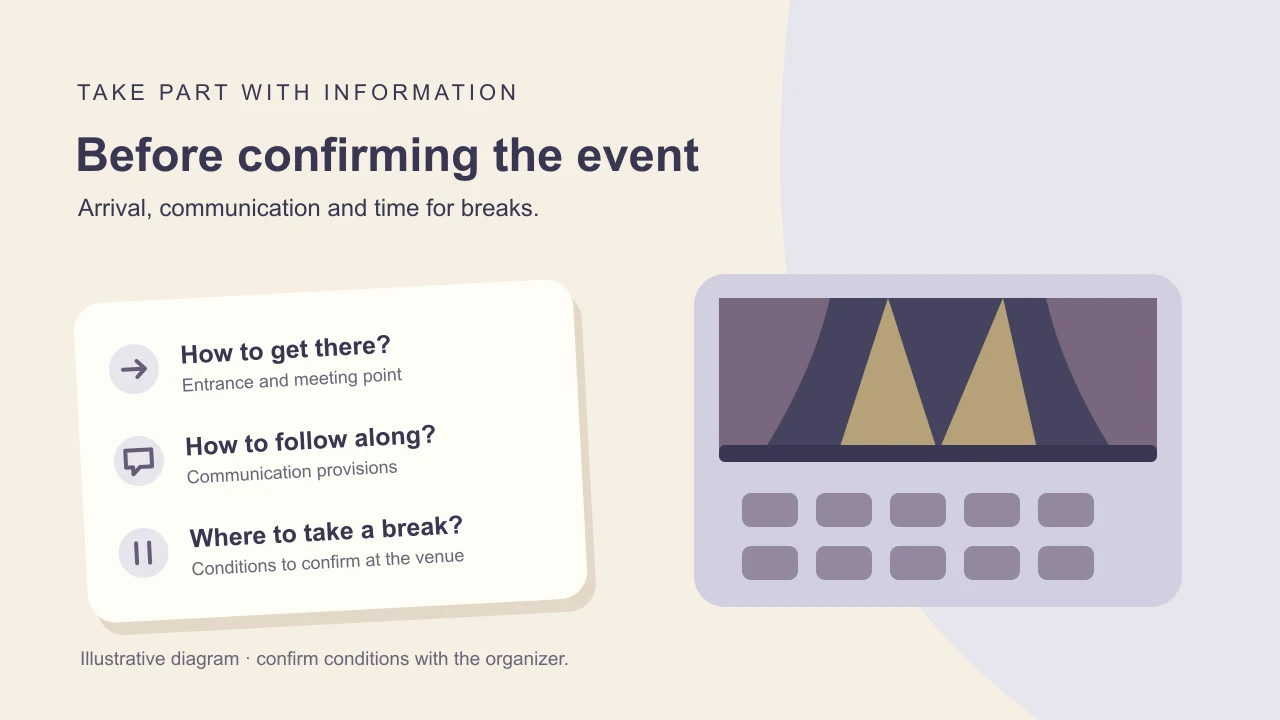
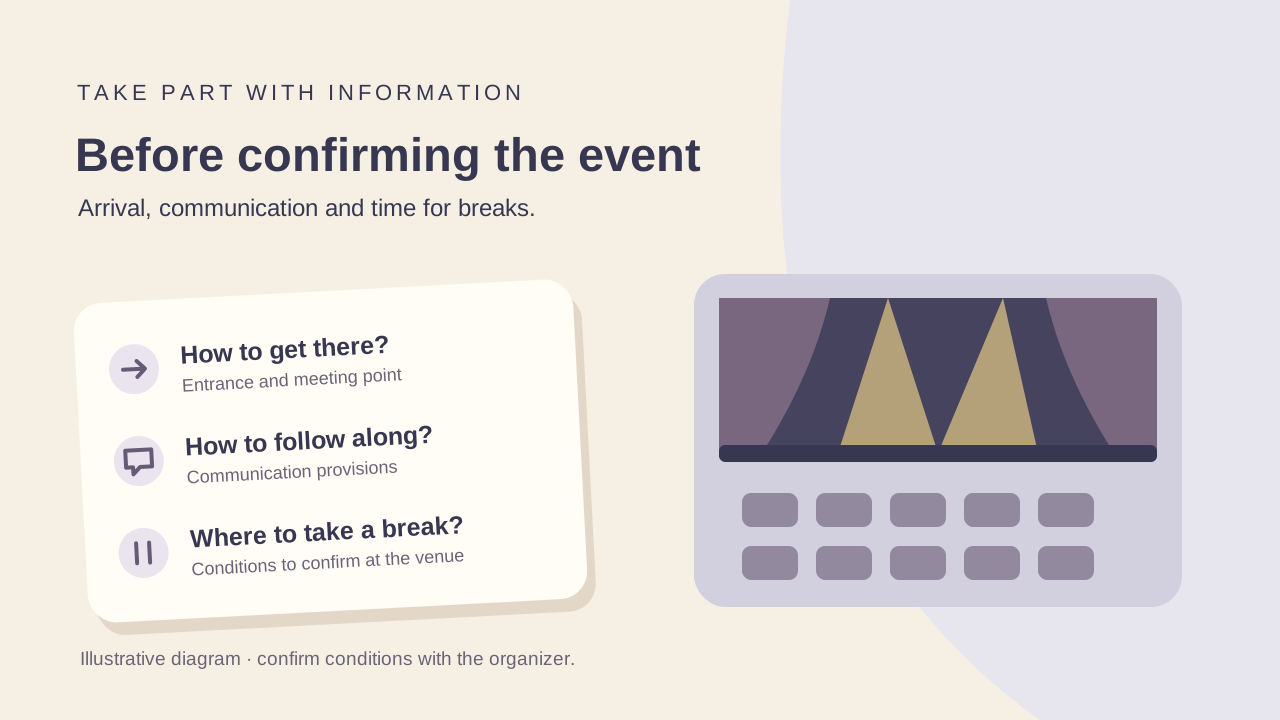
To plan attendance at an accessible event, confirm resources for the edition, venue and session you intend to attend. Access to a building and access to content are different parts of the experience.
This guide helps participants and companions speak with organizers. It is not an event audit, accessibility certification or interpretation of the organizer's legal obligations.
First choose the activity and list what you need to arrive, participate and leave. Then record who confirmed each resource and which answers remain outstanding before buying tickets or travelling.
1. Choose sessions and describe your requests
Check the venue, format and programme. At a multi-room conference, a resource advertised for the opening may not be specified for a workshop; ask about the sessions you actually want to follow.
Brazil's MDHC presents a guide to accessibility at in-person events. Its official page supports conversations with organizers; it is not evidence that your event has been assessed.
Describe functional needs and your preferred contact method. Avoid sending personal documents through open channels; if sensitive information is requested, ask for an explanation and an appropriate channel.
Reference: MDHC: guide to accessibility at in-person events.
- Which resources are confirmed for this session, venue and time?
- Is there an accessibility contact, and what is the deadline for requests?
- How will I be told about room, programme or resource changes?
2. Check arrival, registration and circulation
Request the route from drop-off through entrance and registration to the room. Check level changes, lifts and alternative entrances; agree how to find staff if signs are insufficient for you.
The W3C WAI checklist covers access to venues and rooms, communication and materials. Updated in 2022, it is a planning reference, not a current venue inspection.
Reference: W3C WAI: Making Events Accessible.
- Which entrance should I use, and will it be open when I arrive and leave?
- How does registration work with a queue or counter service?
- Can the route between rooms, food areas and bathrooms be described or shown in photos?
- Who announces a lift failure, and what alternative is planned?
3. Confirm how to follow the content
Ask about the resources you use: Libras (Brazilian Sign Language), captions, visual-information description or materials in a usable format. Identify which sessions provide them and how to access them.
W3C WAI recommends considering captions, interpretation and accessible materials according to participation needs. This informs questions without guaranteeing the organizer has contracted each service.
Ask how to participate in questions, discussions or group activities. If you need advance materials, confirm delivery and test the format beforehand where possible.
Reference: W3C WAI: Making Events Accessible.
- Are captions live or only available in a later recording?
- From where can I follow the interpreter, screen and speaker?
- Will the supplied material contain usable text or only an image?
- Which channel can I use to ask questions if I cannot use the microphone?
4. Plan seating, bathrooms and breaks
Discuss your preferred place, companion space and movement during the session. If a position is reserved, ask how staff will identify it on the day.
Check bathrooms and rest areas as carefully as the main room. If you need reduced noise or lighting, ask what actually exists and when it will be available.
- Can I leave for a break and return without losing access to the activity?
- Which bathroom will I use, and what are its route and layout like?
- Is there a lower-stimulation space, and how do staff describe it?
- If food is provided, where can I find service information and who answers questions?
5. Check online and hybrid events too
For remote participation, confirm the platform, access link and resources provided in the stream. Do not assume in-person services will be included online.
If testing or early access is available, use your usual setup. Ask how to obtain support and join discussions, including if your connection fails or an expected resource is missing.
- Can I access the stream and controls with the resources I use?
- How do I enable captions and find interpretation, if provided?
- Will advance materials or an alternative be available if the stream fails?
- Is there support outside the platform itself during the session?
6. Record agreements and know whom to contact on the day
Send a message summarizing the activity, requests and replies. Ask organizers to distinguish confirmed resources from those still under review; save contacts and meeting points in an offline-usable format.
Also ask how staff communicate exit and emergency guidance. This guide sets no evacuation procedures: learn the venue's instructions and discuss them with the responsible people.
Avoid three shortcuts: using the previous edition as a guarantee, treating a symbol as a complete resource list and leaving an essential need unresolved until registration.
- If an essential resource changes, who tells me and which alternatives will be offered?
- How do I find the responsible person on site, and who covers if they are unavailable?
- Which commercial conditions apply if I decide not to attend? Request the organizer's policy.
Checklist before confirming
- Edition, session, venue and format chosen.
- Access requests sent and outstanding answers identified.
- Entrance, registration, circulation and bathroom clarified.
- Communication resources and materials confirmed for the session.
- Seating, companions and breaks agreed as needed.
- Platform and support tested for online participation where possible.
- Day-of contact, exit instructions and commercial policy saved.
Frequently asked questions
Does building accessibility guarantee access to the event?
Also assess registration, routes between rooms and resources for following the content. W3C WAI treats space, communication and materials as parts of planning, beyond the entrance alone.
Reference: W3C WAI: Making Events Accessible.
How do I request Libras or captions?
Contact the organizer, identify the session and ask what is confirmed, in which format and how to access it. Save the reply; sending a request does not confirm a resource.
Can I use information from the previous edition?
Use it to frame questions, not to conclude that the same resources will be available. Reconfirm venue, staff, programme and services for the edition you intend to attend.
Where can I find an official Brazilian reference?
The MDHC provides the page for the Manual de Acessibilidade em Eventos Presenciais. It presents the document and access link; consult the source for the available version and do not treat it as an event approval seal.
Reference: MDHC: guide to accessibility at in-person events.
Planning guidance, not medical or legal advice. Confirm services, conditions and costs with the providers. Sources do not represent a SOL inspection or certification.
Sources and retrieval dates
- MDHC: guide to accessibility at in-person events
Retrieved: . Source publication: . Source update: .
Dates belong to the official page presenting the guide. Retrieval confirmed the introduction and document link, not an inspection of events.
- W3C WAI: Making Events Accessible
Retrieved: . Source update: .
International planning and communication checklist. A reference predating the current retrieval, not evidence of conditions at an event.
Continue planning
- How to plan a flight with mobility assistance
- How to book accessible accommodation with clear answers
Would your organization like to prepare a more accessible experience? Discover SOL talks, training and consulting ↗